How to compress 7Z files?

About 7Z:
7z is a compressed archive file format that supports several different data compression, encryption and pre-processing filters. The 7z format initially appeared as implemented by the 7-Zip archiver. Both the 7-Zip program and a library to read the 7z file format are publicly available under the terms of the GNU Lesser General Public License.
The MIME type of 7z is application/x-7z-compressed.
WinMount supports compressing 7Z files, here are 2 ways:
The first method.
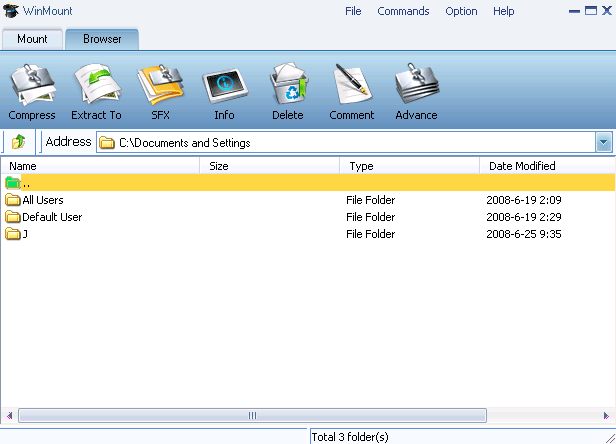
1) Select "Option" menu on the WinMount main interface, Select "View ->Compress".

2) Add files to the file manage list, using add folder, add file or delete on the toolbar.

Add folder: Add folder(s) to the list.
Add file:Add file(s) to the list.
Delete selected: Delete the file(s) on the list.
Compress: Compress the list.
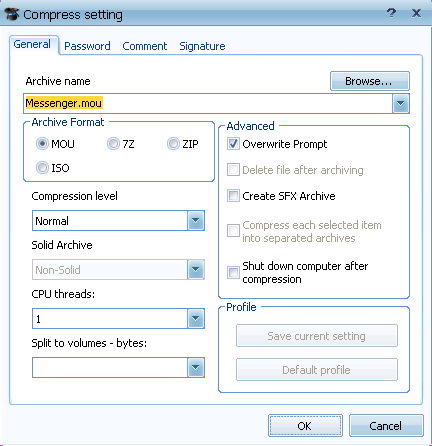
3) Click "compress", pop-up the Compress set dialog. Select a directory to save the file manage list, select format "7z".

The second method.
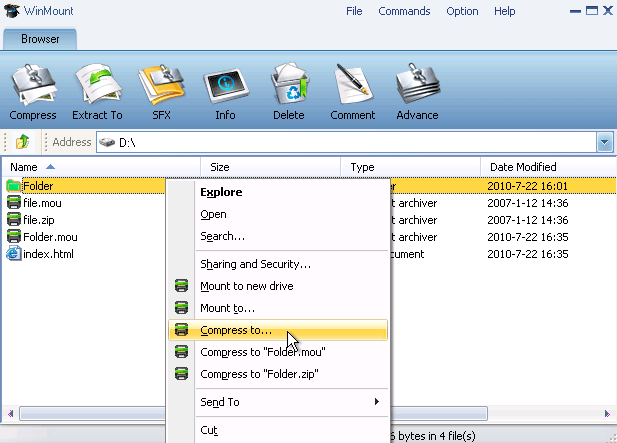
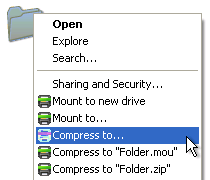
1) Right-click a 7Z archive, select "WinMount3 -> compress";

2) Click "compress", pop-up the Compress set dialog. Select a directory to save the file manage list, select format "7Z". (Refer to step3 of the first method)


WinMount formats: